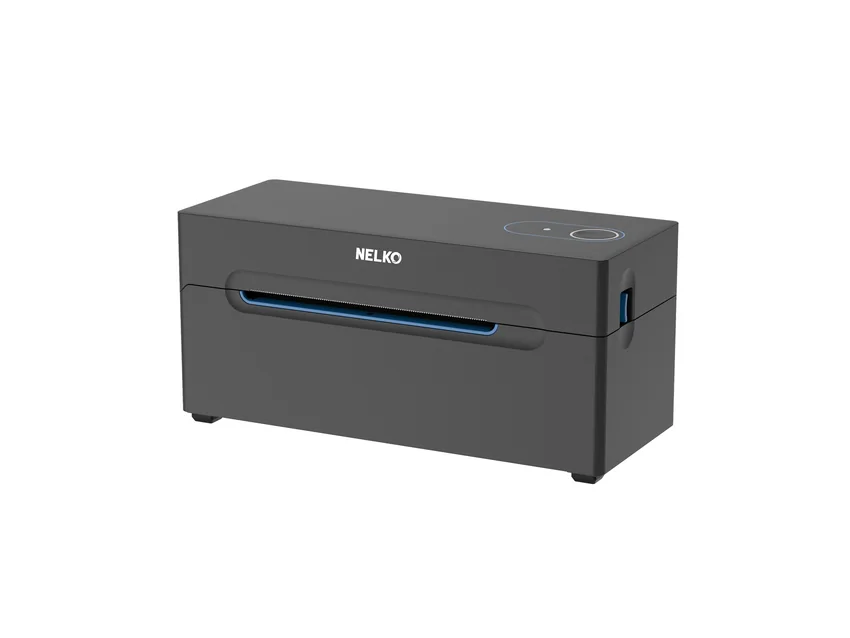
Nelko
Nelko PL70E
A desktop printer for sellers who want to use either rolls or fanfold labels.
- Label format4 × 6 in
- Label feedRoll or fanfold feed
Choose a 4 × 6 shipping label printer for a small business. Compare four models by label stock, packing desk space, and documented phone or computer setup.
Start with your label stock and how you send print jobs. A small desk and a shared station can call for different printers.
A desktop printer for sellers who want to use either rolls or fanfold labels.
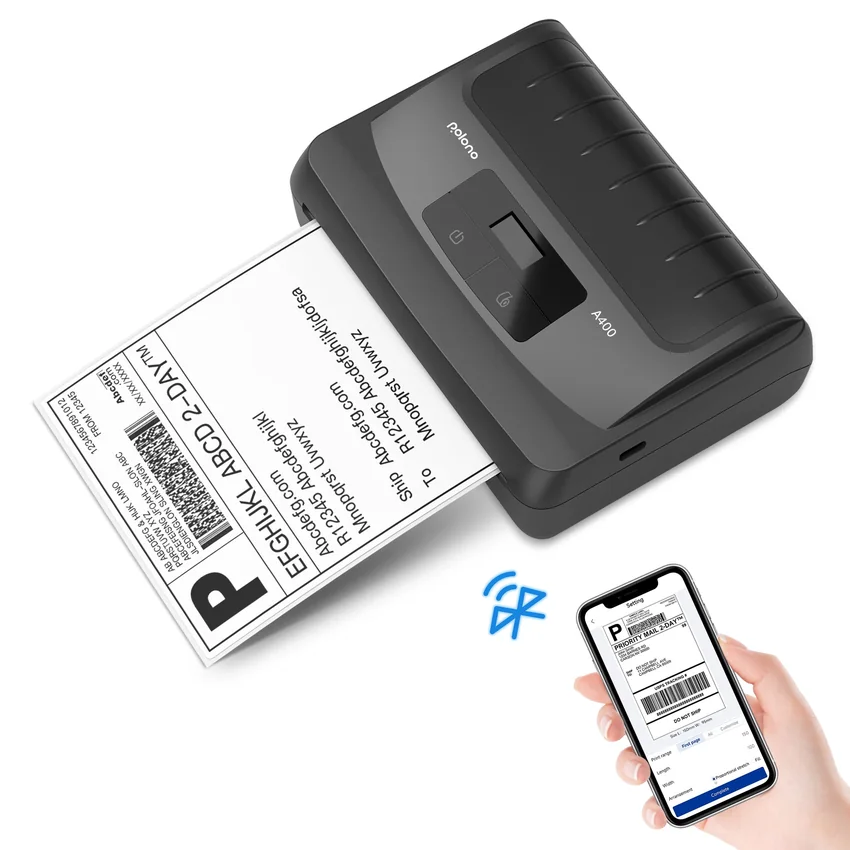
A compact choice for occasional parcel shipments and small packing tables.
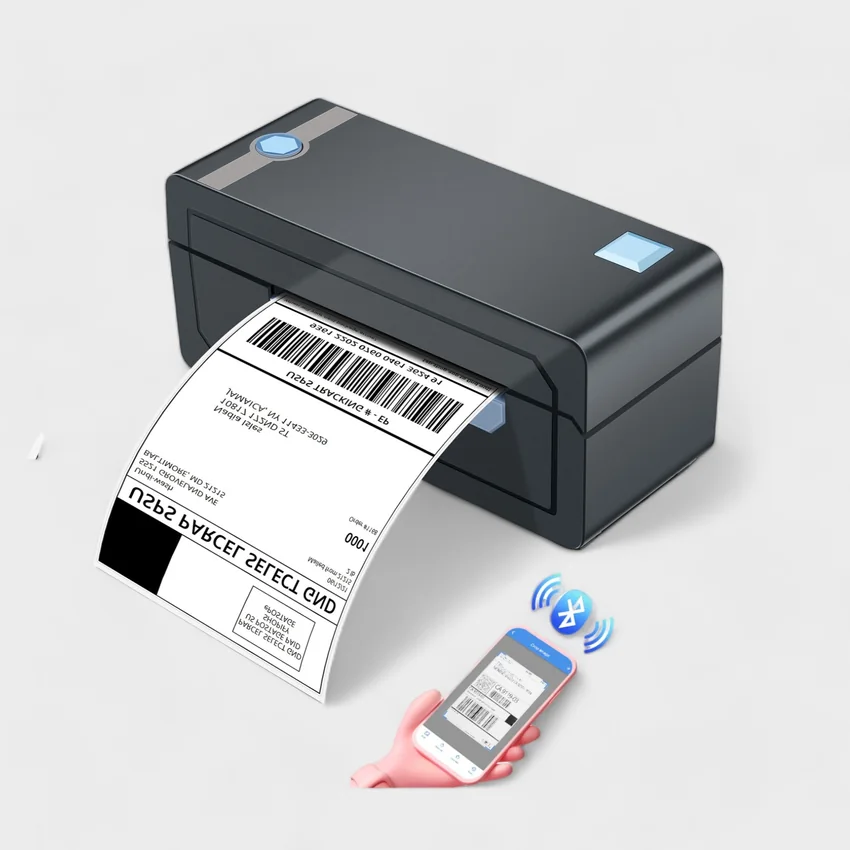
A small-business shipping-label printer with phone and desktop setup options.
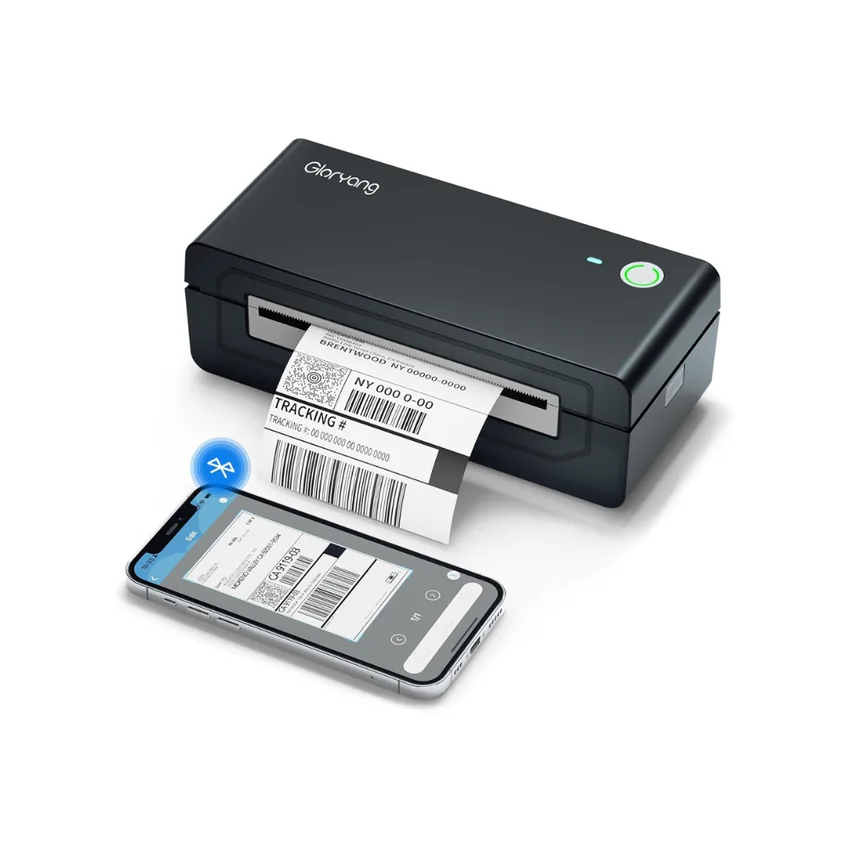
A compact label printer for wireless phone printing at a small packing station.
Scroll to see all printers.
| Specification | POLONO A400 | Nelko PL70E | JADENS 268BT | Gloryang 668BT |
|---|---|---|---|---|
| Label format | 4 × 6 in | 4 × 6 in | 4 × 6 in | 4 × 6 in |
| Connection | Phone app, Bluetooth on supported Windows devices, USB | Phone app, Bluetooth on supported Windows devices, USB | Phone app, Bluetooth on supported Windows devices, USB | Phone app, USB on supported computers |
| Label feed | Internal roll compartment | Roll or fanfold feed | Roll or fanfold feed | External label feed |
| Resolution | 203 dpi | 203 dpi | 203 dpi | 203 dpi |
| Label width | 42–110 mm | 1.54–4.1 in | 1.57–4.1 in | See manufacturer guidance |
The PL70E supports rolls and fanfold stock, so it fits a packing desk where supplies change.
Nelko PL70E manufacturer instructionsThe internal roll compartment keeps a compatible roll inside the printer. Check the roll size and current buying options.
POLONO A400 manufacturer instructionsThe phone app and documented USB setup give an owner two ways to prepare the same size label.
JADENS 268BT manufacturer instructionsThe 668BT supports a mobile Bluetooth workflow and allows USB on compatible computers.
Gloryang 668BT manufacturer instructionsChoose a media setup first, then check connection support and leave space for cables and supplies. Confirm the printer dimensions and refill format before placing an order.
We compared manufacturer specifications and setup instructions across the criteria for this guide. The comparisons rely on published product information and do not include timed printing tests.
If two people share the packing desk, agree on a label format, leave the same space for printer feed and cables, and test a label from each device.
Confirm compatibility with your device, label size, and the space for stock and cables. Then compare how each printer fits your shipping routine.