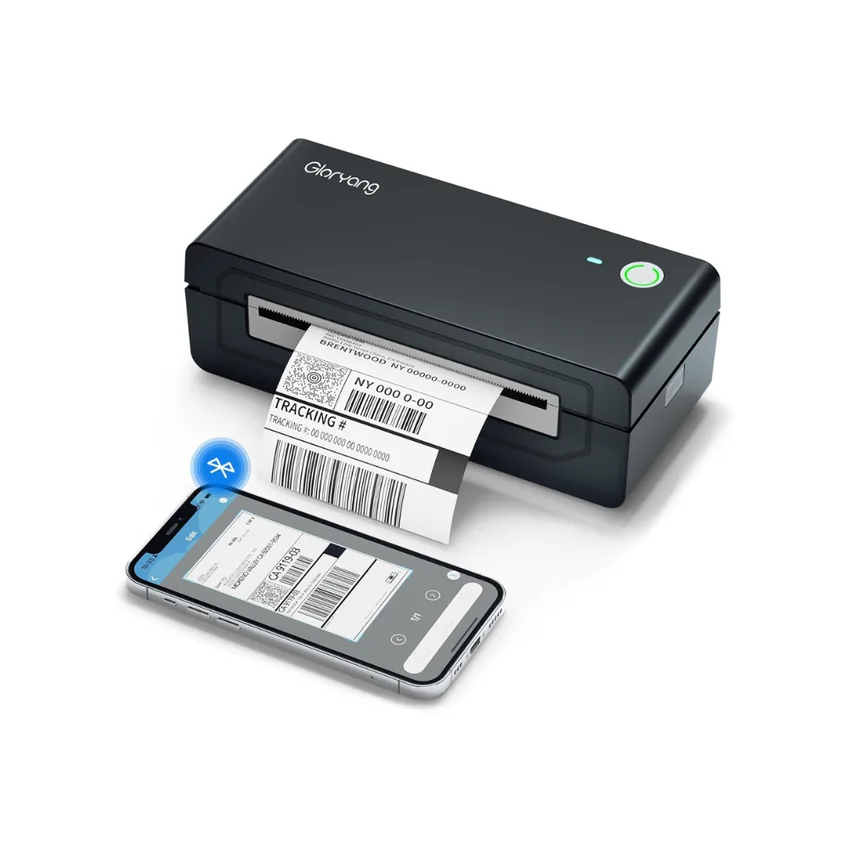
Gloryang
Gloryang 668BT
A compact label printer for wireless phone printing at a small packing station.
- Label format4 × 6 in
- Label feedExternal label feed
Gloryang sells full-page portable thermal printers and desktop shipping label printers. The 668BT is the 4 × 6 option covered in our catalog. It fits a packing desk where you want to send shipping labels from a phone app or use USB with a compatible computer. Check that your shipping software can export an appropriately sized label and make space for stock behind the printer. Use the comparison table to see how that setup differs from a printer with an internal roll compartment.
A compact label printer for wireless phone printing at a small packing station.
Consider the 668BT if you usually process shipping labels on a phone and would also like a documented USB workflow.
The 668BT covers the 4 × 6 format. Check the exact size with the manufacturer before buying smaller stock.
The 668BT has a USB workflow for compatible computers. Use the source for your exact model and operating system, then select the printer and set the correct page dimensions when printing.
Load 4 × 6 direct thermal labels, connect through the supported app or cable, and select a 4 × 6 print layout. Run a test and check that the barcode and delivery address fit within the label.
Yes. The 668BT is the Gloryang model covered here for 4 × 6 shipping labels. It also accepts smaller supported formats, so match the exact stock to the model’s instructions.
The Gloryang 668BT supports app-based Bluetooth printing on compatible phones. Pair the device using the model’s app instructions and check the label size before sending the file.
Use Gloryang’s 668BT product and support pages for the connection options and setup instructions. Check the exact model and your operating system before installing software.