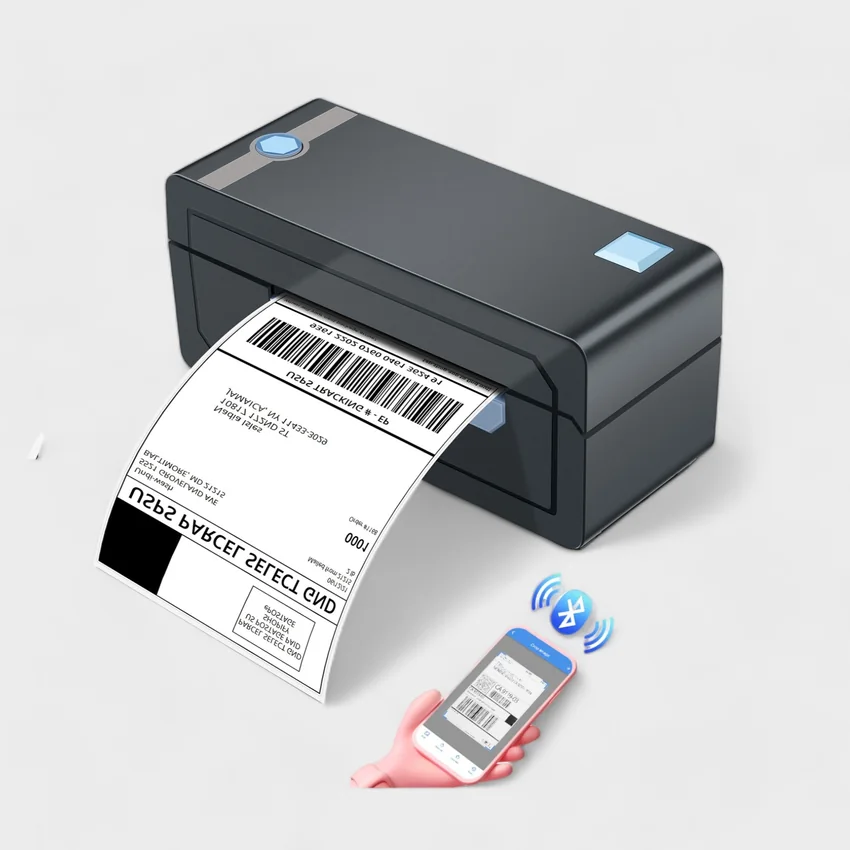
JADENS
JADENS 268BT
A small-business shipping-label printer with phone and desktop setup options.
- Label format4 × 6 in
- Label feedRoll or fanfold feed
JADENS offers shipping label printers, handheld label makers, and portable thermal printers. The Bluetooth 268BT is the 4 × 6 desktop model covered here. Consider it if you need an app-based way to print labels from a phone and a USB option for a computer. Confirm the correct driver for your operating system before buying, particularly if you use a Mac. For a shared packing desk, check where your blank labels will feed from and leave enough space to keep the stock aligned.
A small-business shipping-label printer with phone and desktop setup options.
The 268BT is useful when you have both phone and desktop workflows and want documented setup instructions for each.
Check the manufacturer’s 268BT driver page before choosing a computer connection.
Begin with the 268BT setup guide. Confirm the power, loaded labels, selected device and driver or app. A correctly sized test label helps isolate printing setup from a problem with a particular order file.
Check that the printable side of the direct thermal stock faces the printhead and that the stock follows the direction in the 268BT manual. Then select the loaded size in the driver or app and test one label.
Load compatible 4 × 6 direct thermal labels, connect the 268BT through the supported app or computer driver, and open the label file. Set the paper size to 4 × 6 before printing a test.
Use the official JADENS 268BT download page. It groups manuals, setup information and drivers by device. Match the model code on the printer and check your operating system before installation.
Plan to use USB for the JADENS 268BT Mac setup and follow the model’s driver instructions. The Bluetooth feature is useful with supported devices and app workflows, which differ from the documented Mac path.