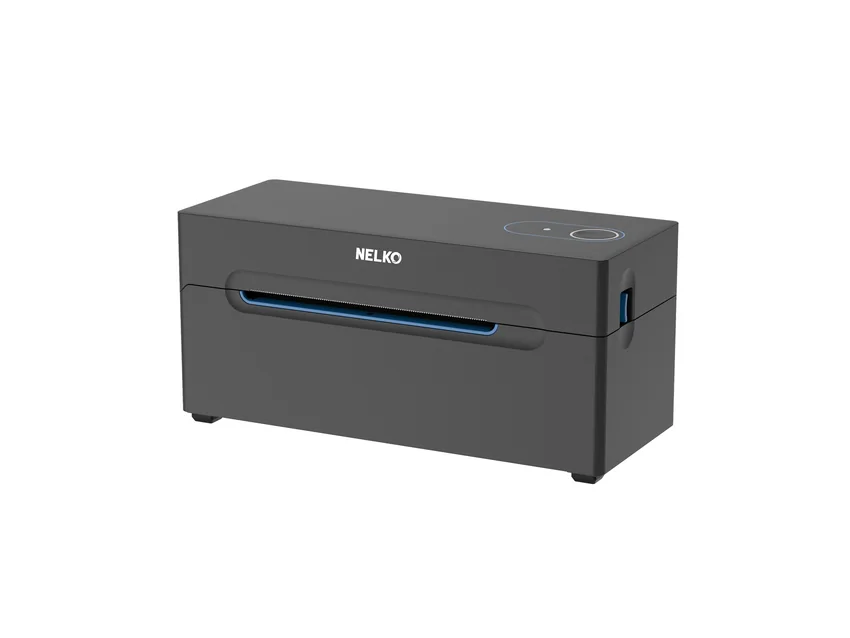
Nelko
Nelko PL70E
A desktop printer for sellers who want to use either rolls or fanfold labels.
- Label format4 × 6 in
- Label feedRoll or fanfold feed
Nelko sells label printers for home organization and small-business shipping. The PL70E covers standard 4 × 6 shipping labels and smaller direct thermal stock, with both roll and fanfold options. Start by deciding which stock you use most often and where it will sit on your packing desk. If you use both a phone and a computer, check the mobile app and driver instructions for each device. Choosing the connection method first makes it easier to set up a printer where orders are already packed.
A desktop printer for sellers who want to use either rolls or fanfold labels.
The PL70E is a practical shortlist option if you want to change between compatible rolls and fanfold labels without changing printers.
This model is a candidate for desks that already use either rolls or fanfold stock.
Check the indicator pattern in the exact Nelko model’s manual. A flashing light and a steady light may have different meanings. On the PL70E, check that the label stock is loaded correctly and the lid is closed before testing again.
Check power, stock, and the device connection first. Use the model’s app for phone printing or the appropriate driver for a supported desktop connection. Import a correctly sized test label and confirm the printer appears in the print dialog.
Follow the PL70E calibration or label detection steps in the model’s support material. Load the stock you intend to use and make sure the guides hold it straight. Calibrate again when you change to a different label size.
Blank labels can result from loading the roll the wrong way or using stock that is incompatible with a direct thermal printer. Compare the feed path with Nelko’s illustration and check which side of the label reacts to heat.
The PL70E supports app-based phone printing and documented computer options. Use the manufacturer’s driver or app for your device, check the connection procedure for the operating system, and print a small test batch.